
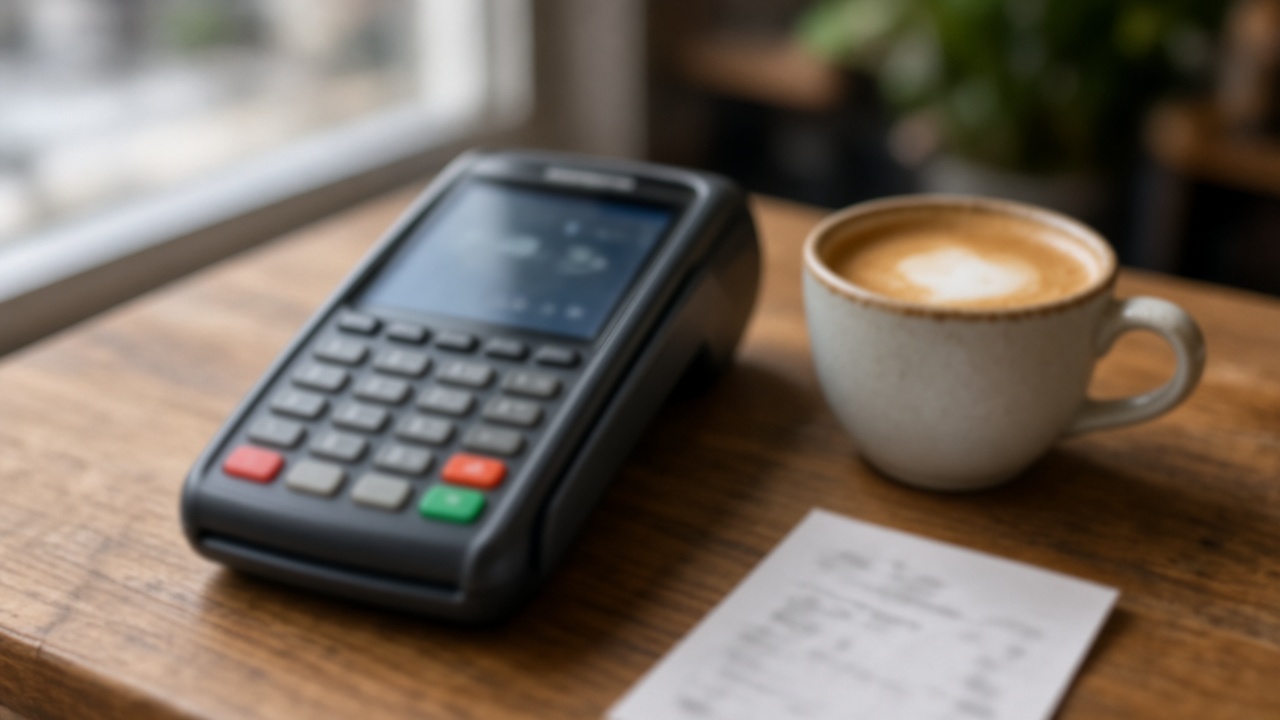
What the terminal is selling
Dynamic currency conversion is a choice the card machine offers after it sees your card. The price on the menu was in the local currency. The machine then asks whether to charge that same purchase in the currency of your card account instead.
The rate for that second amount is not your bank’s rate and not the card network’s rate. It is set by the merchant’s bank, or by the conversion service that bank uses. You are allowed to refuse it. Refusal is the local-currency button, not a dispute with the cafe.
The same offer shows up on some hotel and airline checkout pages as “pay in your currency”. The price you were shown is the currency to keep. A page that converts before you pay is the same product as the terminal.
This is a poor rate dressed up as a convenience. It is not a reason to accuse the cashier of theft. The choice is on the screen, and the useful move is to decline it every time.
What “guaranteed” means
“Guaranteed exchange rate” means the home-currency total on that receipt is fixed. The statement can match the slip. It does not mean you received the rate your card would have used, and it does not mean the rate is fair.
The offered rate is set by the merchant’s bank. It is usually worse than your card’s rate. There is no single markup this guide can quote. A percentage on one receipt belongs to that terminal on that day. Do not reuse a number you remember from another trip.
In the European Union a terminal may have to show how its rate compares with the European Central Bank reference rate. Read the figure on that screen if it is there. It is not a worldwide constant, and the disclosure rule can change. Checked 17 November 2026. Outside that disclosure, you still choose by currency code.
The ATM version
After the PIN, and before the cash, many ATMs ask whether to charge your home currency. The notes are still the local currency either way. The question is only which rate converts the debit.
Decline the conversion. “Without conversion”, “no”, or continuing in the local currency leaves the conversion to your card. “Accept”, “yes”, or “with conversion” locks the rate on the ATM screen. That rate is set by the ATM operator or its bank, not by your card, and it is usually worse.
An operator fee is a separate line. If the screen already shows a cash-withdrawal fee, declining conversion does not erase it. The fee is whatever that machine prints. This guide does not quote one, because it depends on the ATM.
If you cannot tell which button declines, cancel the withdrawal and use another machine, or ask the bank branch to point at the local-currency option. Do not accept a home-currency total just to get the cash out faster.
If the receipt is already converted
A converted receipt shows an exchange rate and a total in your home currency. A local receipt shows the local amount and does not lock a home-currency total. Keep the slip until the card statement arrives.
If the home currency is already on the slip and you are still at the counter, ask them to void the payment and run it again in the local currency. Say the currency code. Wait until the new slip shows only that currency before you approve it again.
A void has to happen while the merchant can still reverse the charge. Once you have left, the cafe may not be able to undo it. Do not call your bank and report fraud for a conversion you approved on the terminal. The fix, when there is one, is a void at the counter.
A different bill is a hotel date you typed wrong. The terminal cannot repair that booking. If the confirmation is already non-refundable, use the hotel’s own process: ask the hotel to waive a wrong-date fee.
What your card charges later
When the charge stays in the local currency, the card network converts it later, and your issuer may add a foreign transaction fee from your card agreement. That fee is yours to read in the terms. It is not printed as a universal number here, and choosing the local currency does not promise a fee of zero.
Dynamic currency conversion does not replace that question with a better one. You can pay the merchant’s rate now, or your card’s rate later, plus whatever your own terms add. The merchant’s rate is the one this screen is selling, and it is usually worse.
You do not need a special card product to decline. You need the currency code, and a second look at the receipt before you put your card away.
Local currency on the terminal. Decline the conversion at the ATM. The guaranteed figure is the merchant’s rate, not your card’s.
Build the trip, then pay in the local currencyReady-made routes
Routes for your destination
Day-by-day plans you can adapt to your dates right away.
FAQ
Should I accept the conversion so the total is locked?
No. Pay in the local currency. The lock is the rate on that screen, and that rate is set by the merchant’s bank. It is usually worse than the rate your card would use. This guide does not quote a markup, because there is no single percentage for every terminal.
What do the buttons usually say?
There is no one label. Read the currency code. The local currency is the currency of the country you are standing in. Your home currency is the currency of the card account. “With conversion”, “accept”, “guaranteed rate”, or a larger button beside your home currency is the offer to decline. “Without conversion”, “decline”, or the local currency code is the one to press. If the words and the codes disagree, trust the currency code and ask the cashier to start again.
What is the ATM version?
The notes still come out in the local currency. The screen asks whether to debit you in your home currency. Decline the conversion. Accepting locks a rate set by the ATM operator or its bank, and that rate is usually worse than your card’s rate. A separate operator fee can still appear. Declining conversion does not remove a fee the screen already listed as an operator charge. The amount is whatever that machine shows.
Does the local currency mean I pay no fee at all?
No. Your card issuer may still add a foreign transaction fee from your own card terms. That fee is not the terminal’s rate, and this guide does not quote it. Dynamic currency conversion is a different charge: the conversion offered before you approve. Paying in the local currency lets your card network convert later. It does not delete a fee your bank lists in the agreement.
The cashier already chose my home currency. What now?
Ask for a void and a new charge in the local currency before you leave the counter. Name the currency. A void is something the merchant can do while the payment can still be reversed. It is not guaranteed after you have walked away. Do not approve the new charge until the amount is in the local currency only.
Does “guaranteed rate” cap what I pay?
It guarantees the home-currency total printed on that receipt, so the card statement can match the slip. It does not guarantee your card’s rate. The offered rate is set by the merchant’s bank and is usually worse than your card’s rate.